How to Watch Multiple News Channels at Once on Desktop
Keeping up with global events requires consuming information from multiple sources. Relying on a single news channel can lead to a biased or incomplete understanding. The challenge, however, lies in efficiently monitoring various news outlets simultaneously. Constantly switching between browser tabs or apps is time-consuming and disrupts focus. This guide provides a comprehensive approach to setting up a desktop environment where you can watch multiple news channels at once, maximizing your information intake and minimizing wasted time.
Setting Up Your News Desktop
Creating an effective news desktop starts with choosing the right tools and configuring your computer for optimal performance. Begin by assessing your hardware. A larger monitor is crucial for comfortably viewing multiple streams. Ideally, you'll want a monitor that's at least 27 inches, and a dual-monitor setup is even better. This allows you to dedicate one screen entirely to news channels while using the other for work or other tasks. You might even consider an ultrawide monitor for an immersive experience.
Next, consider your operating system and browser. Modern operating systems like Windows and macOS offer robust window management features. Learn how to use these features to quickly arrange and resize windows. For example, Windows has "Snap Layouts" which allows you to drag windows to the edges of the screen to automatically resize and position them. Similarly, macOS has "Tile Window" options. As for browsers, Chrome, Firefox, and Safari all have extensions that can assist with window management. Look for extensions that allow you to save window layouts and quickly restore them.
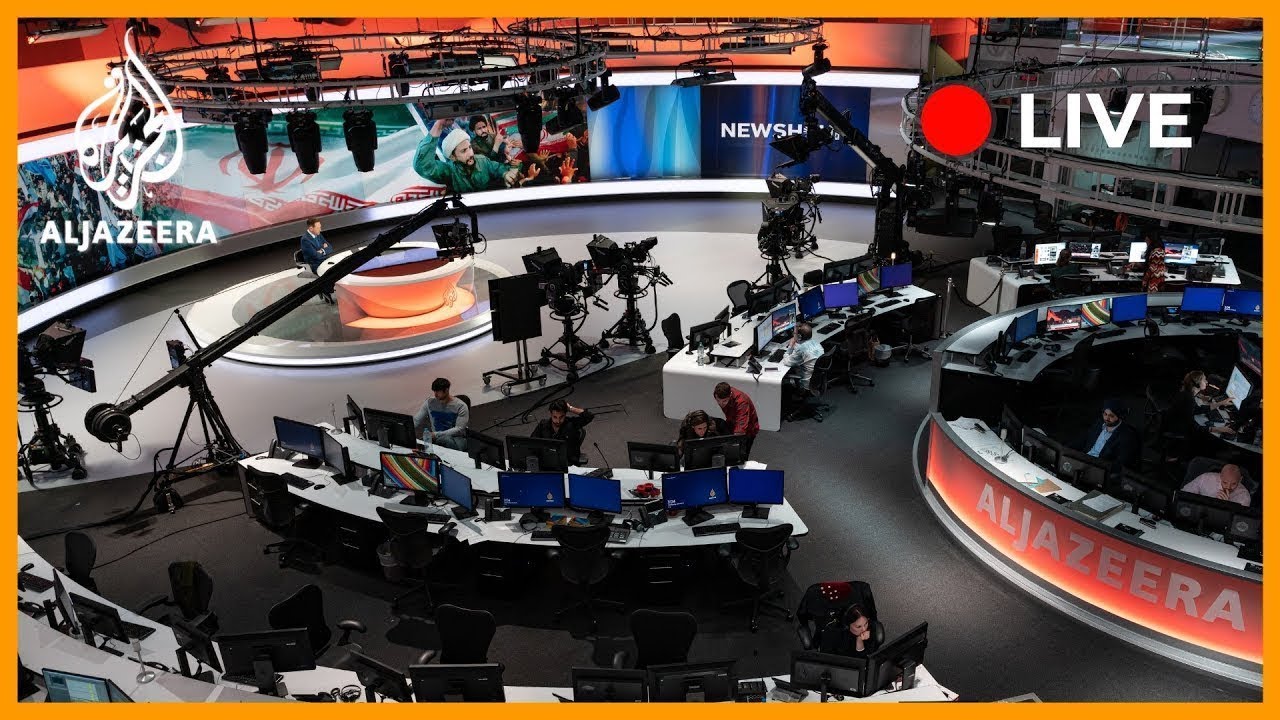
Finally, ensure you have a stable and high-speed internet connection. Streaming multiple news channels simultaneously consumes a significant amount of bandwidth. A wired Ethernet connection is generally more reliable than Wi-Fi. If you're using Wi-Fi, ensure your router is positioned for optimal signal strength. Regularly test your internet speed to ensure it meets the demands of your news-monitoring setup. You can also keep an eye on international events by viewing live feeds from around the world, such as the live camera from Al Jazeera English (Doha, Qatar) at [/camera/cam_051]. This offers a direct view of a major news hub in Qatar. And while you are at it, check out flights to Doha and hotels in Doha for your next trip.
EarthLive24 Multi-View for News
EarthLive24 Multi-View is a powerful tool for anyone who wants to watch multiple news channels at once without the hassle of managing individual browser tabs. This feature allows you to create a customized dashboard displaying up to 12 live camera streams simultaneously. The interface is intuitive and easy to use: simply select the cameras you want to include, arrange them in your preferred layout, and save your configuration.
The key benefit of using EarthLive24's Multi-View is its simplicity. You don't need to install any software or browser extensions. Everything is web-based, so it works on any device with a modern web browser. The platform is optimized for performance, ensuring smooth streaming even with multiple cameras running. You can also easily switch between different Multi-View configurations, allowing you to quickly adapt your news-monitoring setup based on your needs. For instance, you could have one configuration for morning news, another for afternoon updates, and a third for in-depth evening coverage.
Beyond news, EarthLive24 offers a wide variety of live cameras from around the world. You can explore cameras on the map or browse by category. For example, you can find live views of cities, beaches, nature, and landmarks. If you’re interested in seeing how major news events unfold in real-time, consider adding cameras from key locations, such as France 24 English (Paris, France) at [/camera/cam_052] or DW News (Berlin, Germany) at [/camera/cam_053]. Both France and Germany are significant centers for international news. And if that sparks your wanderlust, check out flights to Paris and hotels in Paris, as well as flights to Berlin and hotels in Berlin. The ability to combine news feeds with other live streams makes EarthLive24 a versatile platform for staying informed and entertained.
Optimal Monitor and Layout Setup

The physical arrangement of your monitors and the layout of the news channels on your screen significantly impact your viewing experience. A dual-monitor setup provides ample space to watch multiple news channels at once. Position your primary monitor directly in front of you and the secondary monitor to the side, angled slightly towards you. This configuration minimizes neck strain and allows for comfortable viewing over extended periods. Alternatively, an ultrawide monitor offers a seamless, immersive experience without the bezel interruption of a dual-monitor setup.
Within your operating system, use window management features to create a consistent and efficient layout. On Windows, utilize Snap Layouts to quickly arrange news channels into predefined configurations. For example, you might dedicate one half of a monitor to a primary news channel and divide the other half into smaller sections for secondary channels. On macOS, use Tile Window options or third-party window management apps like Spectacle or Magnet. These apps allow you to define keyboard shortcuts for quickly resizing and positioning windows.
When choosing which news channels to place where, prioritize the most important or frequently watched channels in the center of your field of vision. Less critical channels can be placed on the periphery. Consider the visual hierarchy of your layout. Use larger windows for channels with more dynamic content or important breaking news. Smaller windows can be used for channels that provide background information or specialized coverage. For example, you might dedicate a larger window to Sky News (London, United Kingdom) at [/camera/cam_054] for its comprehensive UK and international coverage, and smaller windows to TRT World (Istanbul, Turkey) at [/camera/cam_055] and WION (New Delhi, India) at [/camera/cam_056] for their perspectives on global events. The United Kingdom, Turkey, and India offer unique viewpoints on world affairs. Don't forget to check out flights to London and hotels in London, as well as flights to Istanbul and flights to New Delhi if you plan to visit.
Best News Channel Combinations
Selecting the right combination of news channels is crucial for obtaining a balanced and comprehensive understanding of global events. Avoid relying solely on channels from a single country or ideological perspective. Instead, diversify your sources to gain a broader range of viewpoints. Consider including channels from different regions, such as NHK World Japan (Tokyo, Japan) at [/camera/cam_057], to gain insights into Asian perspectives. Also consider ABC News (New York, United States) at [/camera/cam_058] for an American take on the world's happenings. Both Japan and the United States are powerful global actors.
A good starting point is to combine a primary news channel with several secondary channels offering specialized coverage. For example, you might watch multiple news channels at once by pairing a general news channel with business news, sports news, and weather updates. Another strategy is to combine channels with different editorial stances. This allows you to compare how different outlets frame the same event and identify potential biases.
Experiment with different combinations to find what works best for you. Regularly evaluate the quality and reliability of your sources. Be critical of the information presented and always cross-reference facts with multiple sources. Remember that no single news channel is perfectly objective. By consuming news from a variety of sources, you can develop a more nuanced and informed perspective on the world. If you like the look of either of those countries, consider flights to Tokyo, hotels in Tokyo, and also flights to New York and hotels in New York.
Audio Management Tips
When you watch multiple news channels at once, managing the audio can become a challenge. Hearing multiple streams of audio simultaneously is distracting and counterproductive. Fortunately, there are several strategies you can use to effectively manage audio output. One simple solution is to mute all but one of the news channels. Choose the channel you want to focus on and mute the others. When you want to switch to a different channel, simply mute the current one and unmute the new one.
Another option is to use a browser extension or software that allows you to control the volume of individual tabs or applications. This allows you to adjust the volume of each news channel independently, creating a layered audio environment. For example, you might set the volume of your primary news channel to 100% and the volume of secondary channels to 20%. This allows you to hear important updates from the secondary channels without being overwhelmed.
Consider using headphones to isolate the audio from your news channels. This is especially useful if you're working in a shared office or home environment. Noise-canceling headphones can further reduce distractions and improve your focus. Experiment with different audio management techniques to find what works best for you. The goal is to create an audio environment that is both informative and comfortable.
Daily News Monitoring Workflow
Establishing a consistent daily news monitoring workflow is essential for staying informed without being overwhelmed. Start by setting aside a specific time each day for news consumption. This could be in the morning, during your lunch break, or in the evening. Having a dedicated time helps you prioritize news consumption and avoid getting distracted by other tasks.
Next, create a routine for selecting and monitoring news channels. Begin by reviewing your primary news channels for breaking news and major developments. Then, move on to secondary channels for more in-depth coverage and analysis. Use EarthLive24's Multi-View feature to watch multiple news channels at once, efficiently scanning headlines and key information. Take advantage of the category pages available: /cameras/cities, /cameras/beaches, /cameras/nature, /cameras/landmarks, /cameras/news.
Actively engage with the news by taking notes, highlighting key information, and researching unfamiliar topics. Don't passively consume information. Instead, critically evaluate the sources and perspectives presented. Finally, regularly review and adjust your news monitoring workflow to ensure it remains effective. Remove channels that are no longer relevant or reliable and add new channels that offer valuable insights. By establishing a consistent and proactive news monitoring workflow, you can stay informed and engaged without being overwhelmed by the constant stream of information. You can even check out our map page to see what's happening live all over the world!
FAQ
How much bandwidth do I need to watch multiple news channels at once?
The required bandwidth depends on the resolution and frame rate of the streams. As a general guideline, you'll need at least 25 Mbps for 4 simultaneous HD streams. Test your connection to ensure it can handle the load.
Can I watch local news channels using EarthLive24 Multi-View?
EarthLive24 primarily features international news channels and publicly accessible live cameras. Check if your local news channels offer a live stream that can be added to the Multi-View.
Is it legal to watch news channels from other countries?
Yes, it is generally legal to watch publicly available news channels from other countries. EarthLive24 only provides access to publicly broadcast streams.