Watch Multiple Live Streams on One Screen — Complete Guide

Why You Need a Multi-Stream Setup
In today's hyper-connected world, our attention is constantly pulled in multiple directions. Whether it's monitoring breaking news, keeping an eye on wildlife activity across different continents, or simply wanting to soak in the serene views from multiple beaches simultaneously, the ability to watch multiple streams on one screen has become increasingly valuable. It's about efficiency, control, and maximizing your access to real-time information and experiences. Imagine tracking the progress of a developing storm via several coastal webcams or observing animal behavior at different watering holes around the globe – all without switching between tabs or applications.
The benefits of a multi-stream setup extend far beyond mere convenience. For professionals, it can mean enhanced productivity and faster response times. News organizations can monitor multiple feeds for breaking developments, while security teams can oversee several camera feeds at once. Even for hobbyists, the ability to watch multiple streams on one screen unlocks a new level of engagement. Bird watchers can compare activity at different feeders, rail enthusiasts can keep tabs on train activity in different cities like Michigan Trains (/camera/cam_050), and travel lovers can enjoy a virtual tour of the world, hopping from the Statue of Liberty (/camera/cam_032) to a Seychelles Beach (/camera/cam_187) with ease.
EarthLive24 understands this need for simultaneous access, which is why we've developed a powerful and user-friendly multi-view tool. It allows you to monitor up to 12 live streams simultaneously, customizing your viewing experience to suit your unique interests and requirements. No more juggling browser windows or missing crucial moments – with EarthLive24's multi-view, you can stay informed, entertained, and connected to the world in a whole new way.
EarthLive24 Multi-View: Step-by-Step
Using EarthLive24's multi-view feature to watch multiple streams on one screen is straightforward and requires no special software or technical expertise. Here's a simple step-by-step guide to get you started:
- Navigate to the Multi-View Page: Begin by visiting the EarthLive24 Multi-View page at watch multiple streams at once. This is your central hub for creating and managing your personalized multi-stream layouts.
- Choose Your Layout: Select from a variety of pre-defined layouts, ranging from a simple two-stream split-screen to a more complex 12-stream grid. Choose the layout that best suits the number of cameras you want to monitor and your preferred viewing arrangement.
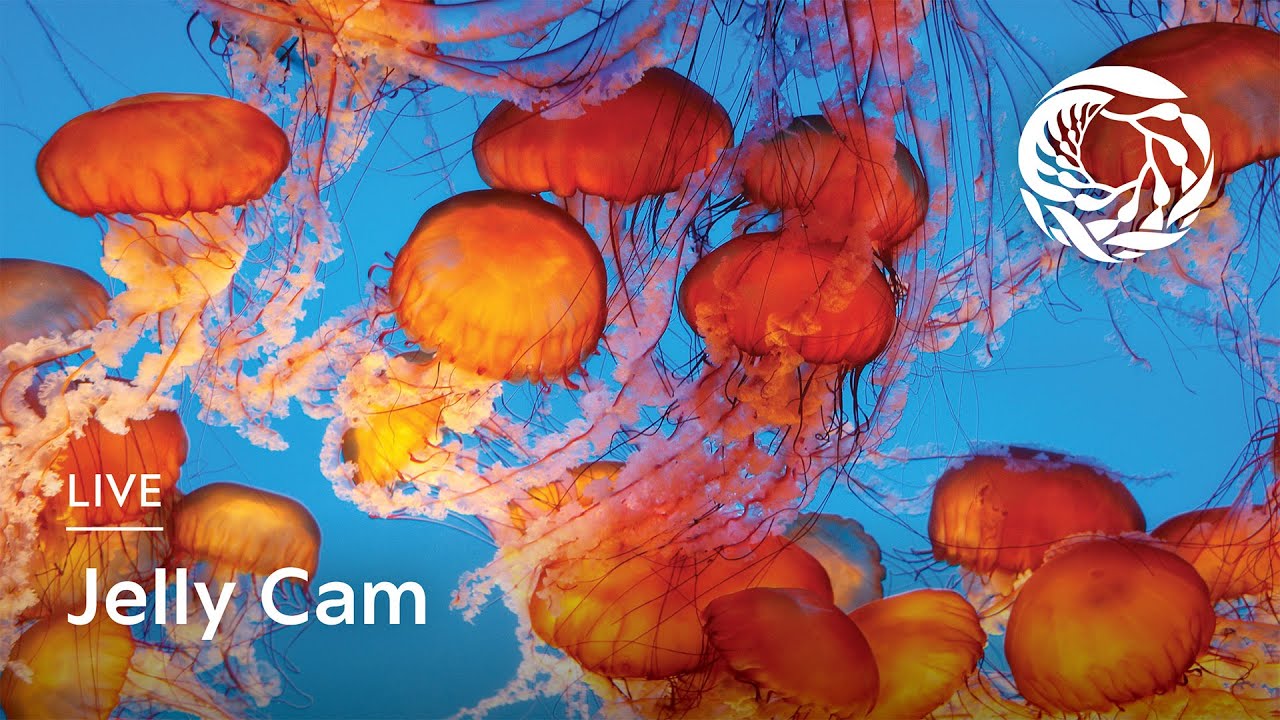
- Add Your Streams: For each section within your chosen layout, you'll be prompted to select a camera. You can browse through EarthLive24's extensive library of live streams, filter by category (e.g., cities, beaches, nature, landmarks, news via /cameras/cities, /cameras/beaches, /cameras/nature, /cameras/landmarks, /cameras/news), or search for specific locations or keywords. For example, you might want to add the Okaukuejo Waterhole Cam (Namibia) (/camera/cam_171), the Jellyfish Tank (Monterey, United States) (/camera/cam_044), and the Istanbul Golden Horn (/camera/cam_065) to your personalized view.
- Customize and Save (Optional): Once you've added all your desired streams, you can customize your experience further. Some layouts may allow you to adjust the size of individual streams or mute/unmute audio feeds. If you're a registered user, you can save your custom layout for future use, allowing you to quickly access your favorite multi-stream configurations.
- Enjoy Your Multi-Stream Experience: With your layout configured, sit back and enjoy the ability to watch multiple streams on one screen. You can monitor news feeds, observe wildlife, or simply relax with stunning views from around the world, all in one convenient location. Explore cameras on the explore cameras on the map to find even more interesting live feeds to add to your EarthLive24 multi-view experience.
Best Screen Layouts for Multiple Streams

Choosing the right screen layout is crucial for an optimal multi-stream viewing experience. The best layout depends on several factors, including the number of streams you want to monitor, the importance of each stream, and your personal preferences.
For monitoring just two streams, a simple split-screen layout (horizontal or vertical) is often the most effective. This allows you to give each stream equal screen space, making it ideal for comparing two different feeds or monitoring two equally important sources.
When you need to watch multiple streams on one screen, consider a grid layout (2x2, 3x3, or 4x4). These layouts allow you to display multiple streams simultaneously while maintaining a relatively balanced view of each feed. A 2x2 grid is perfect for four streams, while a 3x3 grid can accommodate up to nine streams. For the maximum number of streams, a 4x4 grid allows you to watch multiple streams on one screen, up to 16.
Another popular option is a main stream with smaller thumbnails layout. This layout designates one stream as the primary focus, displaying it in a larger window, while other streams are shown as smaller thumbnails around the main view. This is useful when you want to prioritize one particular stream while still keeping an eye on other feeds.
Experiment with different layouts to find what works best for you. Consider the content of each stream and how frequently you need to monitor it. For example, if you're monitoring a news feed and several webcam views, you might want to give the news feed a larger window while displaying the webcams as smaller thumbnails.
Optimal Monitor Size for Multi-Streaming
The ideal monitor size for multi-streaming directly correlates with the number of streams you intend to watch multiple streams on one screen simultaneously, and the resolution of those streams. A larger monitor provides more screen real estate, allowing you to display multiple streams without compromising on visibility or detail.
For basic multi-streaming with two to four streams, a monitor in the 27-inch to 32-inch range is generally sufficient. These sizes offer a good balance between screen space and affordability, providing enough room to comfortably view multiple streams without straining your eyes.
If you plan to watch multiple streams on one screen, with six or more streams, consider investing in a larger monitor in the 34-inch to 49-inch range, or even an ultrawide monitor. Ultrawide monitors offer an expansive horizontal viewing area, making them ideal for displaying multiple streams side-by-side. You might even consider a dual-monitor setup for maximum screen real estate.
Beyond size, resolution is also crucial. For multi-streaming, a monitor with a resolution of at least 1920x1080 (Full HD) is recommended. However, for larger monitors or more streams, a higher resolution such as 2560x1440 (QHD) or 3840x2160 (4K) will provide a sharper and more detailed viewing experience. A 4K monitor becomes almost essential if you intend to watch multiple streams on one screen at their highest quality.
Finally, consider the monitor's aspect ratio. Standard monitors have an aspect ratio of 16:9, while ultrawide monitors typically have an aspect ratio of 21:9 or 32:9. The wider aspect ratio of ultrawide monitors makes them particularly well-suited for multi-streaming, as they provide more horizontal space for displaying multiple streams side-by-side.
Use Cases: News, Webcams, Events
The ability to watch multiple streams on one screen opens up a wide array of possibilities across various domains, from news monitoring to webcam exploration and event coverage.
News organizations can leverage multi-stream setups to monitor multiple news feeds simultaneously, allowing them to stay on top of breaking developments and react quickly to unfolding events. They can monitor feeds from different news agencies, social media platforms, and on-the-ground reporters, all in one convenient view.
For webcam enthusiasts, multi-streaming provides an immersive way to explore the world from the comfort of their own homes. You can create custom layouts featuring your favorite webcams, such as the South Africa Bird Feeder (/camera/cam_173), Dutch Railway (/camera/cam_151), Giant Pandas (/camera/cam_042), and Corfu Old Town (/camera/cam_165), allowing you to observe wildlife, cityscapes, and natural landscapes from around the globe. Combine this with our travel links for Flights to Okaukuejo or Hotels in New York and you can plan your next adventure based on what you see.
Event organizers can use multi-streaming to provide viewers with a comprehensive view of events. For example, during a music festival, they could display live feeds from multiple stages, backstage interviews, and audience reactions, giving viewers a richer and more engaging experience.
Even for personal use, multi-streaming can be incredibly valuable. You can monitor multiple security cameras around your home, keep an eye on your children playing in different rooms, or simply enjoy a variety of relaxing nature scenes simultaneously.
Tips for Smooth Multi-Stream Performance
To ensure a smooth and enjoyable multi-stream viewing experience, it's essential to optimize your setup and network configuration. Here are some tips to help you achieve optimal performance:
Ensure a Stable and High-Speed Internet Connection: Multi-streaming requires a significant amount of bandwidth, so a fast and reliable internet connection is crucial. Aim for a broadband connection with a download speed of at least 25 Mbps for a few streams, and higher if you plan to watch multiple streams on one screen with many high-definition feeds. A wired connection is generally more stable than Wi-Fi.
Optimize Your Browser: Use a modern web browser that supports HTML5 video playback and hardware acceleration. Close unnecessary tabs and applications to free up system resources. Consider using a browser extension to block ads and trackers, which can consume bandwidth and slow down your browsing experience.
Adjust Video Quality: If you're experiencing buffering or lag, try lowering the video quality of the streams. Most live streams offer multiple quality options, allowing you to adjust the resolution to match your internet connection and system capabilities. If you are planning to watch multiple streams on one screen, you might need to compromise with a lower quality to achieve a smooth experience.
Update Your Graphics Drivers: Outdated graphics drivers can cause performance issues when playing video streams. Make sure you have the latest drivers installed for your graphics card.
Consider Hardware Acceleration: Enable hardware acceleration in your browser settings. This allows your graphics card to handle the video decoding process, which can significantly improve performance.
Limit the Number of Streams: While EarthLive24's multi-view supports up to 12 streams, monitoring too many streams simultaneously can strain your system resources and lead to performance issues. Start with a smaller number of streams and gradually increase the number until you find a balance between the number of feeds you want to monitor and the performance you can achieve.
FAQ
How much does it cost to use EarthLive24's multi-view feature?
EarthLive24's multi-view feature is completely free to use. We believe that everyone should have access to real-time information and experiences from around the world, regardless of their budget.
Can I save my custom multi-stream layouts?
Yes, registered users can save their custom multi-stream layouts for future use. This allows you to quickly access your favorite configurations without having to re-add the streams each time.
What happens if a stream goes offline?
If a stream goes offline, the corresponding window in your multi-view layout will display an error message. You can try refreshing the page or selecting a different stream to replace the offline feed.
What countries can I view on EarthLive24?
EarthLive24 has cameras across 50+ countries, including Namibia, Netherlands, United States, South Africa, Turkey, Greece, and China. Visit our country pages (Namibia, Netherlands, United States, South Africa, Turkey, Greece, China) for more.