How to Watch Multiple Broadcasts at Once — Free Tools

Why Multi-Broadcast Viewing Matters
In today's fast-paced world, staying informed and entertained often means juggling multiple sources of information simultaneously. Whether you're monitoring news feeds, keeping an eye on weather patterns, or simply enjoying the diverse beauty of our planet through live webcams, the ability to watch multiple broadcasts at once is a powerful tool. This is especially true when seeking to gain a comprehensive understanding of a situation or event that is unfolding in real-time. Imagine tracking a developing weather system through several strategically placed coastal webcams, or monitoring traffic flow across major cities to plan your commute. The potential applications are virtually limitless.
The benefits of multi-broadcast viewing extend beyond mere convenience. It allows for comparative analysis, enabling you to identify patterns, inconsistencies, and correlations that might otherwise go unnoticed. For example, by simultaneously viewing live feeds from different locations, you can gain a more nuanced perspective on cultural events, environmental changes, or even global trends. This comprehensive approach to information consumption fosters a deeper understanding and a more informed perspective. Being able to watch multiple broadcasts at once empowers you to create your own curated experience, focusing on the content that matters most to you.
The demand for efficient multi-screen solutions has grown significantly, driven by the increasing availability of high-speed internet and the proliferation of live streaming services. People want to stay connected to the world around them, and they want to do so in a way that is both convenient and informative. This trend is reflected in the growing popularity of multi-monitor setups for both professional and personal use. The ability to watch multiple broadcasts at once caters to this need, providing a centralized platform for accessing and managing a diverse range of live feeds.
EarthLive24 Multi-View Solution
EarthLive24 understands the importance of staying connected and informed, which is why we offer a robust and free multi-view feature, enabling you to watch multiple broadcasts at once with ease. Our platform is designed to provide a seamless and intuitive experience, allowing you to create your own personalized dashboard of live streams from around the globe. With over 250 cameras from 50+ countries, you have access to a vast array of content, from stunning cityscapes to tranquil nature scenes.
The EarthLive24 multi-view solution allows you to select and arrange multiple live streams on a single screen, creating a customized view that caters to your specific interests. This is perfect for monitoring different time zones, tracking events as they unfold, or simply enjoying the diversity of our planet. You can easily add, remove, and rearrange cameras to create the perfect viewing experience. To watch multiple broadcasts at once, visit our dedicated Multi-View page and start building your custom dashboard.
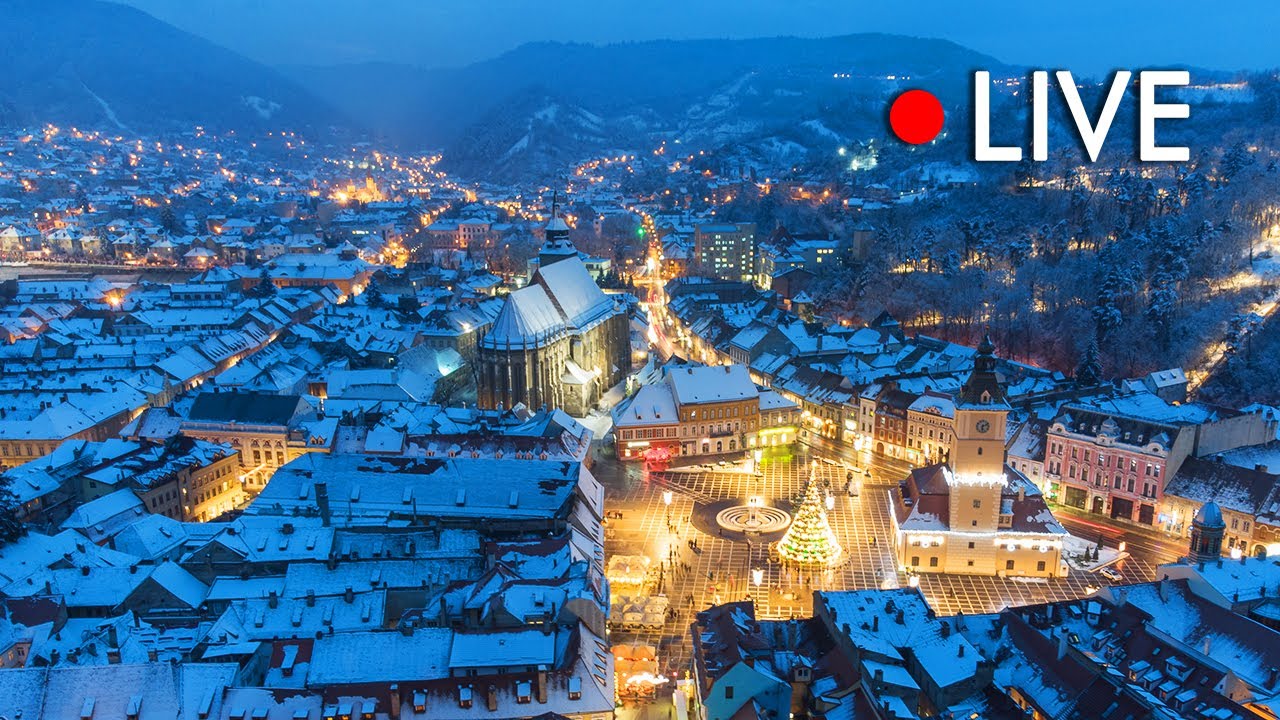
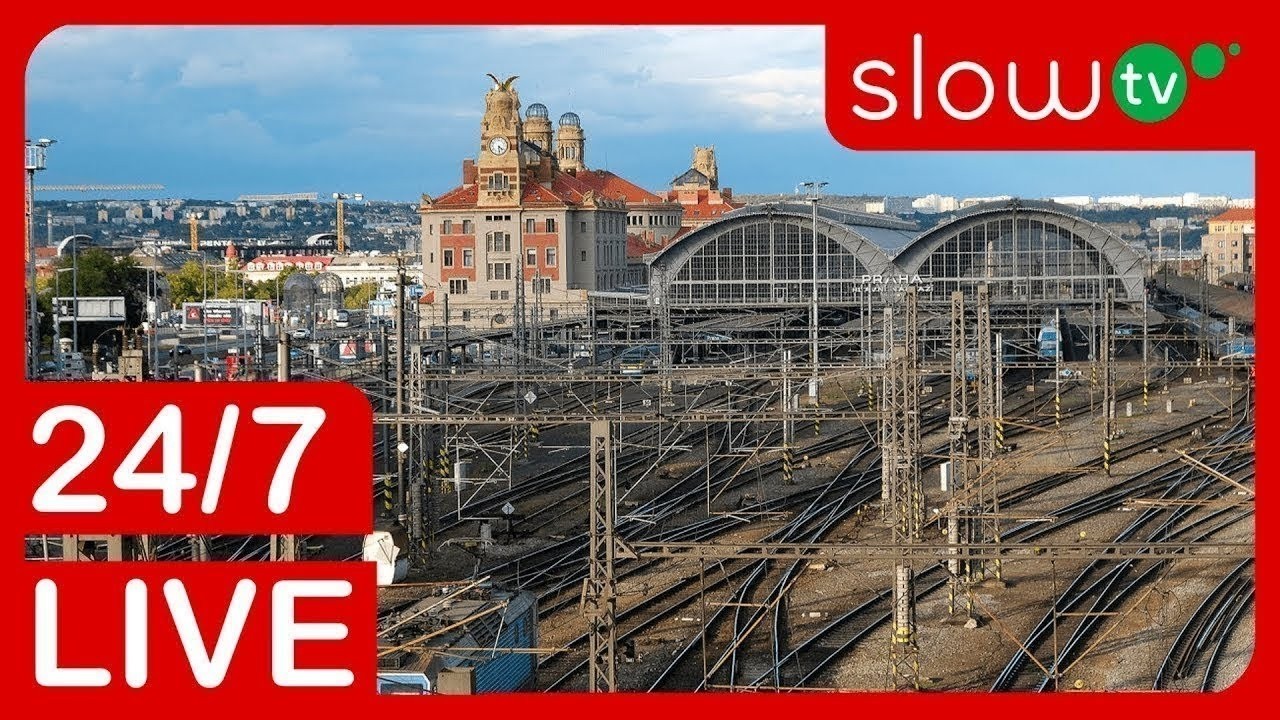
Our commitment to providing a user-friendly experience extends to every aspect of our platform. The multi-view feature is designed to be accessible to users of all technical abilities. There are no complicated settings to configure or software to install. Simply select the cameras you want to view, arrange them to your liking, and start watching. Whether you're interested in monitoring the Hong Kong Skyline (/camera/cam_096), keeping an eye on the slopes of Brașov City (/camera/cam_083), or observing the activity at Prague Airport (/camera/cam_152), EarthLive24 makes it easy to watch multiple broadcasts at once and stay connected to the world.
Setting Up Your Multi-Broadcast Dashboard
Creating your multi-broadcast dashboard on EarthLive24 is a straightforward process. First, navigate to the Multi-View page on our website. You'll be presented with a blank canvas where you can add your desired live streams. Browse our extensive collection of cameras, categorized by location, theme, and popularity, or use the search function to find specific cameras of interest.
Once you've identified the cameras you want to include, simply click the "+" button associated with each camera to add it to your dashboard. You can then drag and drop the camera feeds to arrange them in your preferred layout. The platform allows for flexible customization, enabling you to adjust the size and position of each stream to create a visually appealing and informative display. You can choose to watch multiple broadcasts at once, whether it's two, four, or even more, depending on your screen size and desired level of detail.
Consider organizing your dashboard based on your specific interests. For example, if you're a travel enthusiast, you might create a dashboard featuring iconic landmarks from around the world, such as Cape Town Table Mountain (/camera/cam_085) and Lucerne City (/camera/cam_084). If you're interested in weather patterns, you could monitor coastal webcams like Miami Beach (/camera/cam_005) and Manhattan Beach (/camera/cam_105) to get a real-time view of conditions. Experiment with different layouts and camera combinations to find the setup that best suits your needs. Remember to save your dashboard so you can easily access it later.
Best Broadcast Combinations
The possibilities for broadcast combinations are endless, limited only by your imagination and interests. Here are a few suggestions to get you started:
Global Time Zones: Combine cameras from different time zones to monitor activity around the clock. For example, you could watch the sunrise over the Hong Kong Skyline (/camera/cam_096) while simultaneously keeping an eye on the sunset in Miami Beach (/camera/cam_005). This is great for those who work with international teams or simply want to stay connected to different parts of the world.
Wildlife and Nature: Create a virtual safari by combining feeds from various wildlife cameras. Observe penguins in their natural habitat with the Penguin Colony camera (/camera/cam_138) in New Zealand, while also monitoring the Hammerfest Harbor (/camera/cam_225) in Norway for signs of marine life. Check out our extensive selection of nature cameras on the map.
Cityscapes and Landmarks: Immerse yourself in the beauty of urban landscapes by combining views of iconic cities. Watch traffic flow in Manhattan Beach (/camera/cam_105), marvel at the architecture of Prague Airport (/camera/cam_152), and enjoy the charm of Brașov City (/camera/cam_083) all at the same time.
News and Events: Stay informed about current events by combining news feeds from different sources. Monitor traffic conditions, weather patterns, and breaking news stories to gain a comprehensive understanding of the situation. You could even watch multiple broadcasts at once related to train activity using the Michigan Trains camera (/camera/cam_050).
Experiment with different combinations to find the ones that best suit your interests. Don't be afraid to get creative and discover new and exciting ways to use the EarthLive24 multi-view feature. It's all about curating your own personalized viewing experience.
Hardware Requirements
The hardware requirements for using the EarthLive24 multi-view feature are minimal. Since the platform is web-based, you don't need to install any special software or drivers. All you need is a computer or mobile device with a modern web browser and a stable internet connection.
For optimal performance, we recommend using a desktop or laptop computer with a reasonably powerful processor and sufficient RAM, especially if you plan to watch multiple broadcasts at once. A faster processor will ensure smooth video playback, while adequate RAM will prevent your browser from slowing down when displaying multiple streams simultaneously. A high-resolution monitor will also enhance your viewing experience, allowing you to see more detail in each live feed.
A stable and fast internet connection is crucial for seamless multi-broadcast viewing. We recommend a broadband connection with a download speed of at least 10 Mbps, especially if you plan to watch multiple broadcasts at once in high definition. A wired connection is generally more reliable than a wireless connection, but a strong Wi-Fi signal should also suffice. If you experience buffering or lag, try reducing the number of streams you are viewing or lowering the video quality settings.
Mobile Multi-Broadcast Viewing
The EarthLive24 multi-view feature is also fully accessible on mobile devices, allowing you to watch multiple broadcasts at once on the go. Whether you're commuting to work, traveling abroad, or simply relaxing at home, you can stay connected to the world around you with our mobile-friendly platform.
The mobile version of the multi-view feature is optimized for smaller screens, ensuring a seamless and intuitive user experience. You can easily add, remove, and rearrange cameras using touch gestures, and the platform automatically adjusts the layout to fit your screen size. While viewing multiple streams on a smaller screen may require some adjustments, the ability to monitor multiple feeds on the go is a valuable asset.
To ensure optimal performance on your mobile device, we recommend using a recent model smartphone or tablet with a fast processor and ample RAM. A strong Wi-Fi or cellular data connection is also essential for smooth video playback. Keep in mind that streaming video can consume a significant amount of data, so it's a good idea to monitor your data usage if you're using a cellular connection. Remember to explore our range of destinations, such as Flights to Hong Kong and Hotels in Hong Kong — or many other locations directly from your mobile device!
FAQ
How many cameras can I view simultaneously?
The number of cameras you can view simultaneously depends on your screen size, internet connection speed, and device capabilities. We recommend starting with a smaller number of streams and gradually increasing it until you find a balance between performance and viewing experience. Many users find that four streams provide a good balance, but you can experiment to find what works best for you.
Is the multi-view feature free to use?
Yes, the EarthLive24 multi-view feature is completely free to use. We believe that everyone should have access to the world's beauty and information, and we are committed to providing a free and accessible platform for exploring live streams from around the globe.
Can I save my multi-view dashboard?
Yes, you can save your multi-view dashboard and access it later. This allows you to create customized viewing experiences tailored to your specific interests and easily switch between them. We encourage you to create multiple dashboards for different purposes, such as travel planning, news monitoring, or simply relaxing and enjoying the scenery.
What if a camera is not working?
Occasionally, a camera may be temporarily unavailable due to technical issues or maintenance. If you encounter a camera that is not working, please try again later. You can also report the issue to our support team, and we will do our best to resolve it as quickly as possible.
How do I find cameras in a specific location?
You can easily find cameras in a specific location by using the search function on our website or browsing our cameras by country. For example, you can explore all the cameras in Hong Kong, Romania, or the United States, among many others. You can also use our explore cameras on the map to find cameras in specific regions or cities.