Multi Stream Dashboard — Monitor Multiple Feeds at Once

What Is a Multi Stream Dashboard?
A multi stream dashboard, at its core, is a centralized interface designed to display multiple video feeds simultaneously. Instead of navigating between numerous browser tabs or application windows, users can monitor several live video streams on a single screen. This consolidated view is crucial for efficient monitoring, allowing for faster response times and a more comprehensive overview of various activities or locations. Think of it as a mission control center, but for your personal or professional monitoring needs.
The underlying technology often involves techniques like video tiling, which dynamically arranges multiple video feeds within a user-defined grid. Modern dashboards allow for customization, enabling users to resize individual video tiles, adjust audio levels for each stream, and even set up alerts triggered by specific events detected within the video feeds. The best systems are browser-based, eliminating the need for specialized software and making them accessible from virtually any device with an internet connection.
Consider the benefits beyond simple convenience. In a security context, a multi stream dashboard allows a single operator to oversee several security cameras at once, dramatically increasing situational awareness. For news junkies, a dashboard can display multiple news channels simultaneously, ensuring no breaking story is missed. Or imagine a wildlife enthusiast tracking several animal cams across different continents. The possibilities are virtually limitless, transforming how we interact with and consume live video content. It's about control, efficiency, and staying informed in a world saturated with information.
EarthLive24 as Your Dashboard
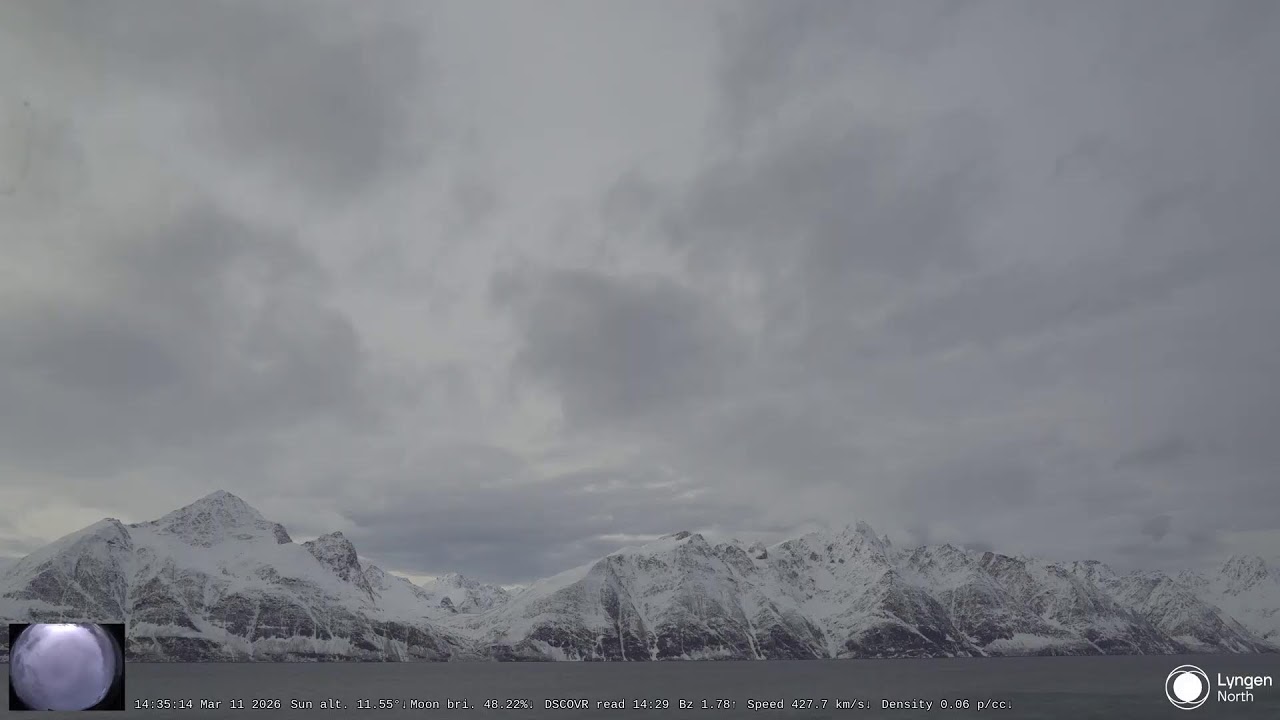
EarthLive24 offers a compelling platform to create your very own multi stream dashboard. With over 250 live webcams from over 50 countries, we provide a wealth of real-time content that can be curated and displayed in a customized layout. Whether you're interested in monitoring the hustle and bustle of Shibuya Crossing in Japan or observing the serene beauty of the Northern Lights in Norway, our platform puts the world at your fingertips.
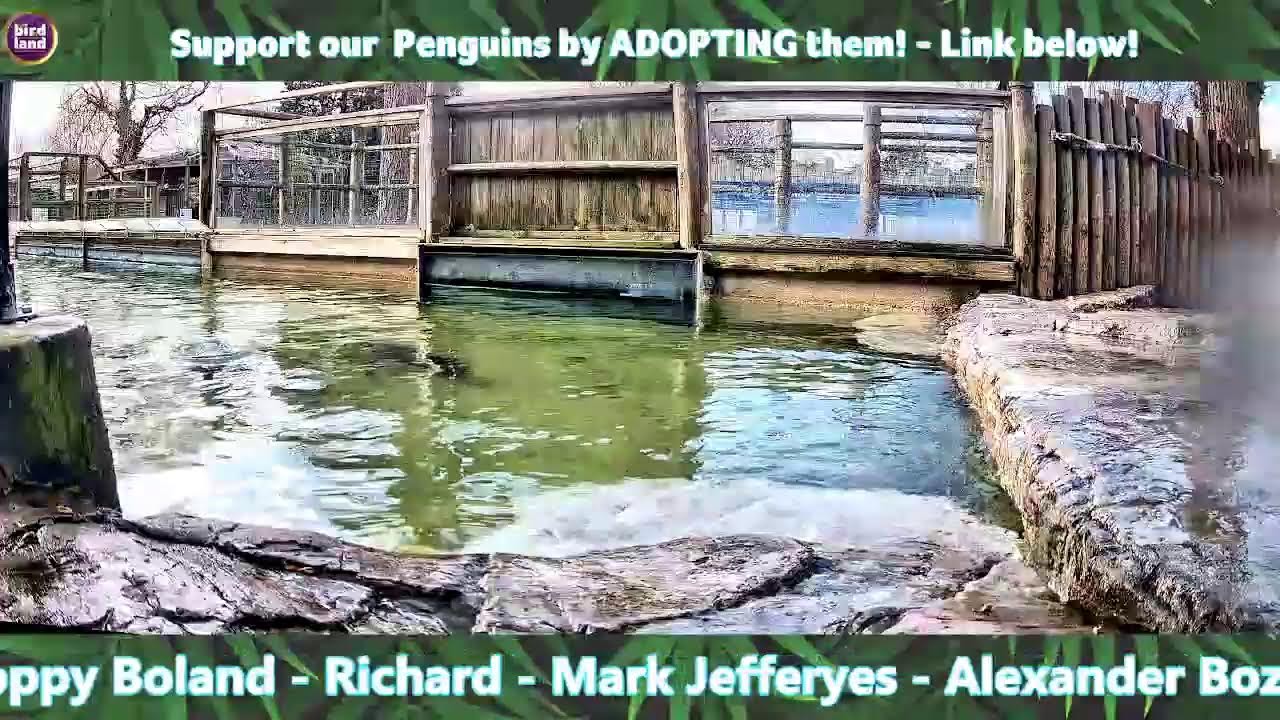
Our Multi-View page is designed specifically for this purpose, empowering users to construct a dynamic monitoring station. With a simple drag-and-drop interface, users can select their preferred cameras and arrange them in a grid that suits their viewing preferences. You can watch multiple streams at once and control the size and arrangement of each feed, creating a personalized experience tailored to your specific needs. Imagine keeping an eye on the ABC News feed from New York in the United States (/camera/cam_058) alongside the relaxing Penguin Pool UK cam in the United Kingdom (/camera/cam_140).
The EarthLive24 dashboard isn't just about passively watching; it's about actively engaging with the world. Want to see if the surf's up at a beach in Spain? Add the Malaga Airport webcam (/camera/cam_159) to your dashboard and check the weather conditions in real-time. Curious about the wildlife in South Africa? Combine the Africam Tau (/camera/cam_130) and African Wildlife (/camera/cam_041) cameras for a comprehensive view of the region's diverse fauna. The ability to customize and combine these feeds makes EarthLive24 a powerful tool for anyone seeking a personalized and informative multi stream dashboard experience.
Customizing Your Layout
The key to an effective multi stream dashboard lies in its customizability. A one-size-fits-all approach simply doesn't work when dealing with diverse monitoring needs. That's why EarthLive24 prioritizes providing users with the tools they need to tailor their dashboards to their exact specifications.
Our platform allows you to adjust the size of individual video feeds, giving prominence to the streams that are most important to you. For instance, if you're primarily interested in weather updates, you might enlarge the feed from a coastal webcam like the one at Malaga Airport (/camera/cam_159), while keeping smaller feeds of other locations for background awareness. You can also rearrange the order of the feeds with a simple drag and drop.
Beyond basic resizing and rearrangement, advanced customization options can include adjustable audio levels for each stream, allowing you to focus on the audio from a particular location without being overwhelmed by simultaneous sounds. Some platforms even offer the ability to set up alerts triggered by motion detection or other events within specific video feeds. The more granular the control, the more effective the multi stream dashboard becomes as a monitoring tool. By understanding and utilizing these customization options, users can create a personalized monitoring experience that perfectly aligns with their individual needs and interests.
Dashboard Use Cases
The applications of a multi stream dashboard are incredibly diverse, spanning various industries and personal interests. In the realm of security, a dashboard can provide a comprehensive view of multiple security cameras, enabling security personnel to monitor large areas efficiently. For example, a business owner could monitor cameras inside their store, outside the entrance, and in the parking lot, all from a single screen.
News organizations can leverage multi stream dashboards to monitor multiple news feeds simultaneously, staying ahead of breaking stories and tracking events as they unfold. Imagine monitoring ABC News (/camera/cam_058) alongside international news sources to get a global perspective. In the realm of transportation, traffic management centers can use dashboards to monitor traffic flow across multiple intersections, optimizing traffic light timing and responding quickly to accidents.
Beyond professional applications, a multi stream dashboard can be used for personal entertainment and curiosity. Wildlife enthusiasts can create a dashboard featuring live feeds from various animal cams, such as Africam Tau (/camera/cam_130) or the Penguin Pool UK (/camera/cam_140), observing animal behavior in real-time. Travel lovers can monitor beaches from all over the world via the EarthLive24 explore cameras on the map page. The possibilities are truly endless, limited only by your imagination.
Professional Monitoring with Multi-View
For professional applications requiring robust and reliable monitoring, a dedicated multi-view system is essential. EarthLive24's Multi-View feature rises to this challenge, offering a streamlined and efficient way to manage multiple live video streams. Unlike simply opening multiple browser tabs, our platform is specifically designed for multi-stream viewing, optimizing performance and stability.
Consider the advantages in a professional setting. A security operations center can use our multi stream dashboard to monitor dozens of security cameras, providing a comprehensive overview of their facilities. A construction site manager can keep an eye on multiple work zones simultaneously, ensuring safety and efficiency. Broadcasters can use our platform to monitor multiple remote feeds during live events, enabling seamless transitions and high-quality coverage.
EarthLive24's Multi-View supports a variety of configurations, allowing users to customize their layout based on their specific needs. You can prioritize certain feeds by displaying them in larger windows, while keeping less critical feeds in smaller tiles. The interface is intuitive and easy to use, even for users with limited technical expertise. This ease of use, combined with its robust performance, makes EarthLive24's Multi-View an ideal solution for professional monitoring applications.
Dashboard Performance Optimization
Ensuring smooth and reliable performance is crucial for any multi stream dashboard, especially when monitoring multiple high-definition video feeds. Several factors can impact performance, including internet bandwidth, hardware capabilities, and the optimization of the dashboard software itself.
Adequate bandwidth is essential to handle the data stream from multiple cameras simultaneously. A slow internet connection can result in buffering, lag, and dropped frames, hindering effective monitoring. Upgrading to a faster internet plan may be necessary, especially when monitoring high-resolution streams. Hardware also plays a critical role. A computer with sufficient processing power and memory is needed to decode and display multiple video feeds without performance degradation. Older or underpowered computers may struggle to keep up, resulting in a choppy or unresponsive dashboard.
EarthLive24 optimizes its platform to minimize resource consumption and maximize performance. Our video streams are encoded using efficient codecs, reducing bandwidth requirements without sacrificing image quality. We also offer adjustable video quality settings, allowing users to lower the resolution of individual feeds to conserve bandwidth and processing power. By carefully managing these factors, users can ensure a smooth and reliable multi stream dashboard experience.
FAQ
How many streams can I view simultaneously on EarthLive24?
The number of streams you can comfortably view simultaneously depends on your internet bandwidth and computer hardware. EarthLive24's Multi-View feature is designed to handle numerous streams, but performance may vary. Experiment to find the optimal balance between the number of streams and video quality.
Is it free to create a multi stream dashboard on EarthLive24?
Yes, EarthLive24 is completely free to use, including the multi stream dashboard feature. We believe that everyone should have access to real-time information and immersive experiences without any cost. Enjoy watching the Kitten Rescue cam (/camera/cam_137) and the Jakarta East feed (/camera/cam_091) all day, completely free!
Can I save my dashboard layout for future use?
Currently, EarthLive24 does not offer a feature to save dashboard layouts. However, we are constantly working to improve our platform and add new features based on user feedback. Stay tuned for future updates! You can always create your own set of bookmarks for easy access to your favorite cameras.
What happens if one of the camera streams goes offline?
If a camera stream goes offline, the corresponding tile on your multi stream dashboard will display an error message. EarthLive24 actively monitors the status of all our cameras and works to resolve any issues as quickly as possible. You can always remove the offline camera from your dashboard and replace it with another one.