Watch Live Sports Channels Side by Side with Multi-View
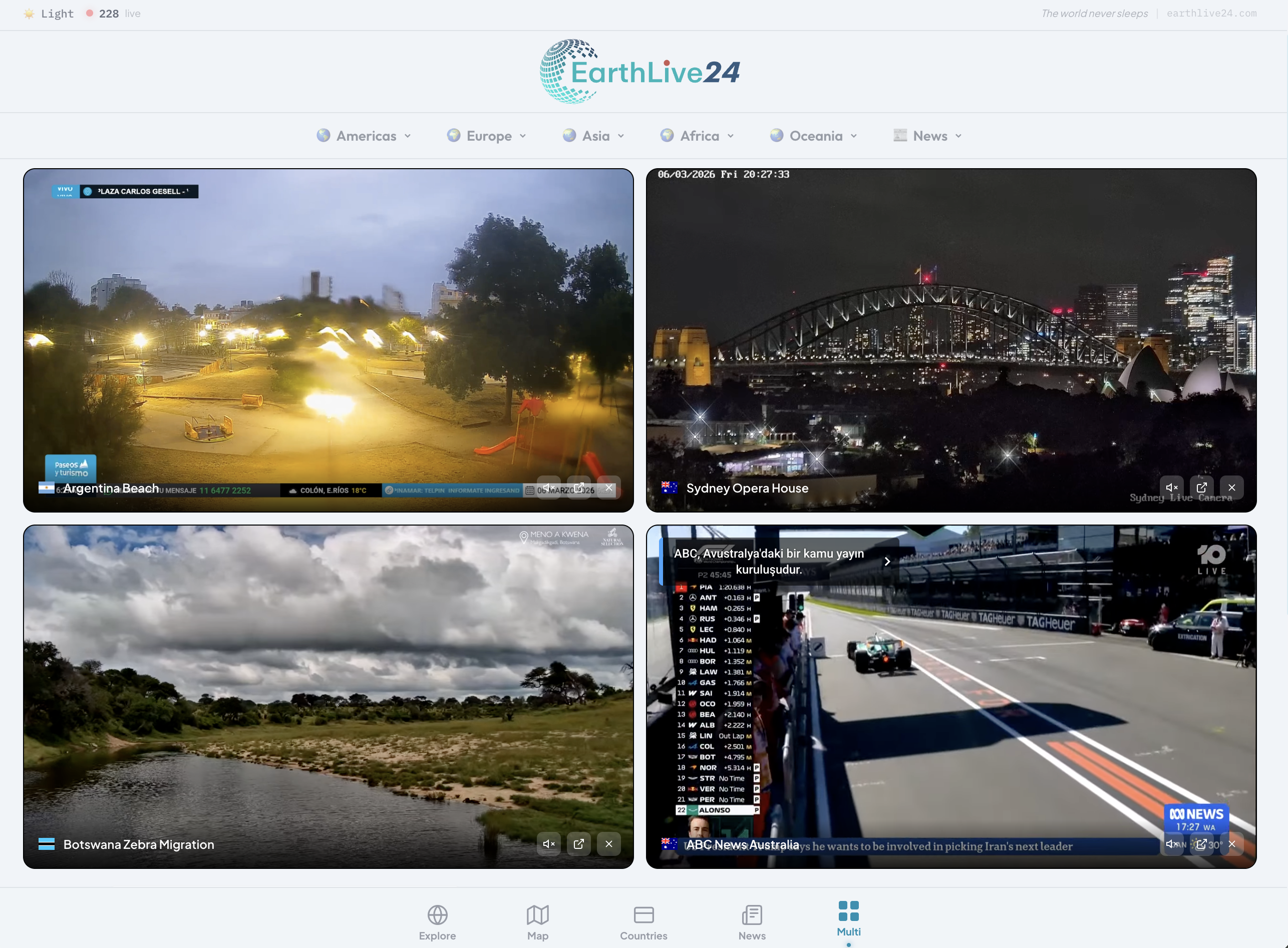
Sports fans know the struggle: two important matches happening at the same time, transfer deadline day with news breaking on every channel, or wanting to compare commentary from different broadcasters. What if you could watch multiple sports channels simultaneously on one screen?
With EarthLive24's Multi-View, you can — completely free.
Why Multi-View for Sports?
Follow Multiple Matches
During busy sports weekends, there's always more than one game worth watching. Multi-View lets you keep an eye on multiple broadcasts without constantly switching channels.
Transfer Deadline Day
When the transfer window is closing, every channel has different breaking news. Watch beIN Sports Haber, A Spor, and international sports channels side by side to catch every deal as it happens.
Compare Commentary
Different broadcasters bring different insights, analysis, and camera angles. Watch the same event from multiple perspectives to get the complete picture.
Available Sports Channels
Turkish Sports Broadcasting
Open Turkish Sports Multi-View →
- beIN Sports Haber — Turkey's premier sports news channel with live match coverage, transfer news, and expert analysis
- A Spor — 24/7 sports coverage including Super Lig highlights, interviews, and breaking sports news
Sports + News Mix
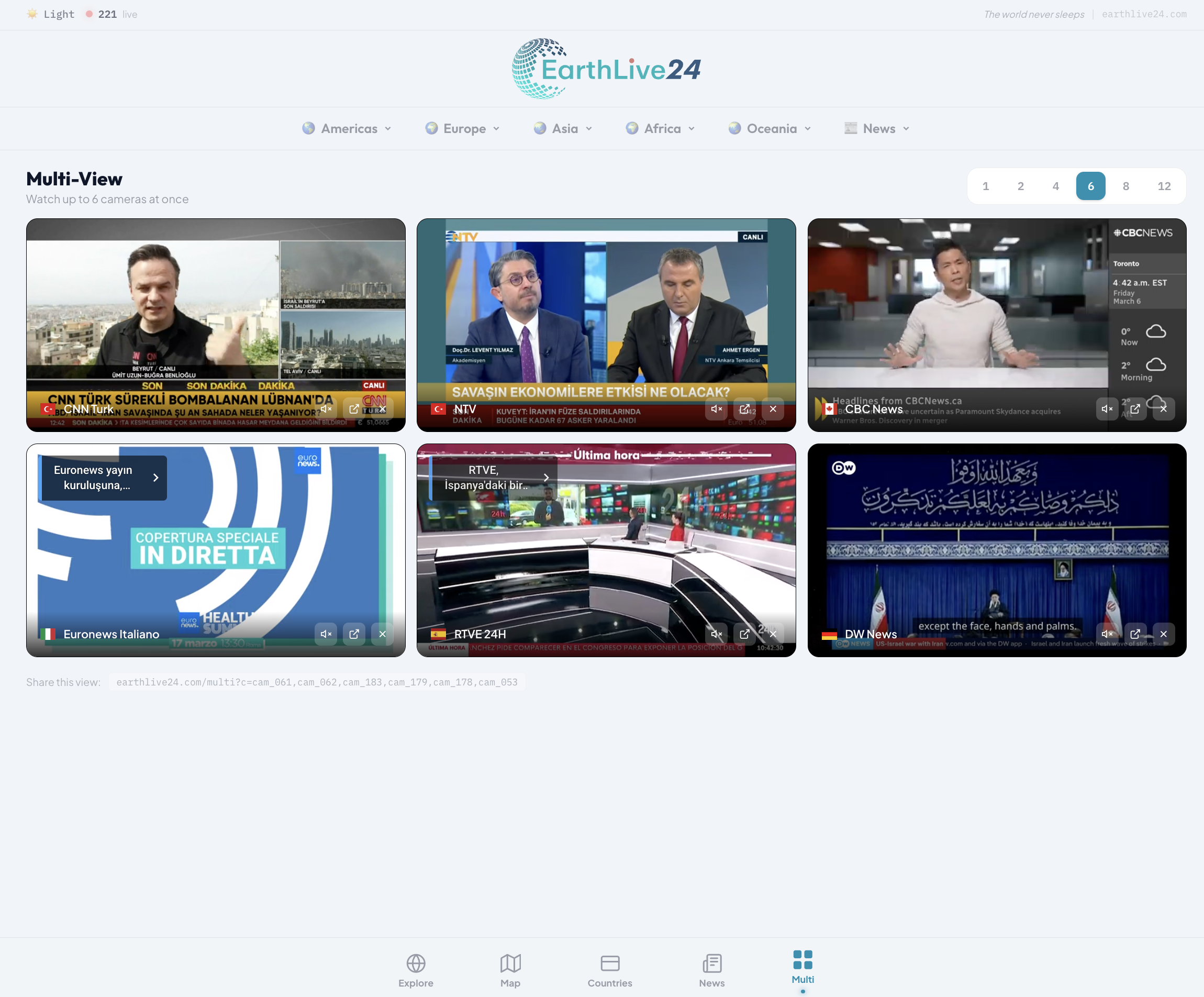
Combine sports channels with general news for complete coverage during major sporting events:
- beIN Sports Haber
- A Spor
- TRT World (for international sports coverage)
- CNN Turk (for Turkish sports news)
Add Any Sports Stream
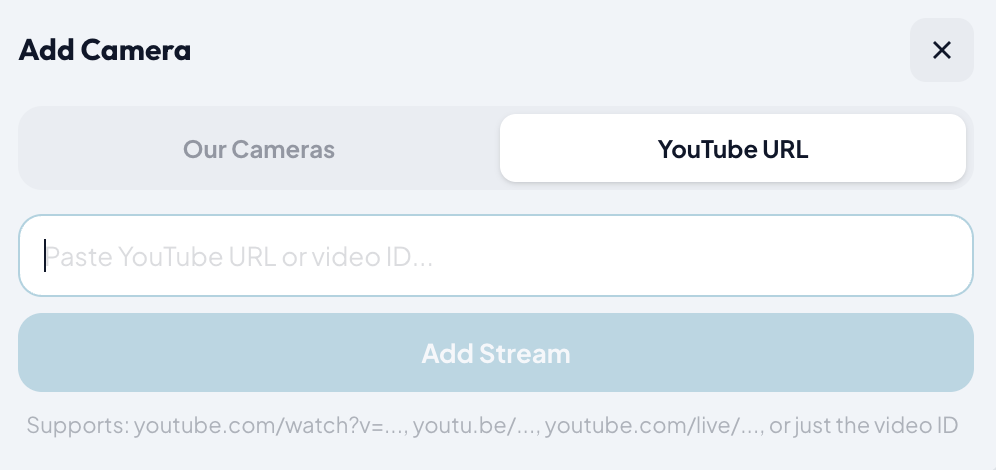
The real power of Multi-View is the YouTube URL feature. You can add any live YouTube sports stream:
- Find a live sports broadcast on YouTube
- Click "+" in Multi-View
- Switch to "YouTube URL" tab
- Paste the link and click "Add Stream"
This means during Champions League nights, World Cup matches, or Super Bowl Sunday, you can create your own custom multi-screen sports bar experience — right in your browser.
Best Setups for Sports
Dual Screen (2 channels)
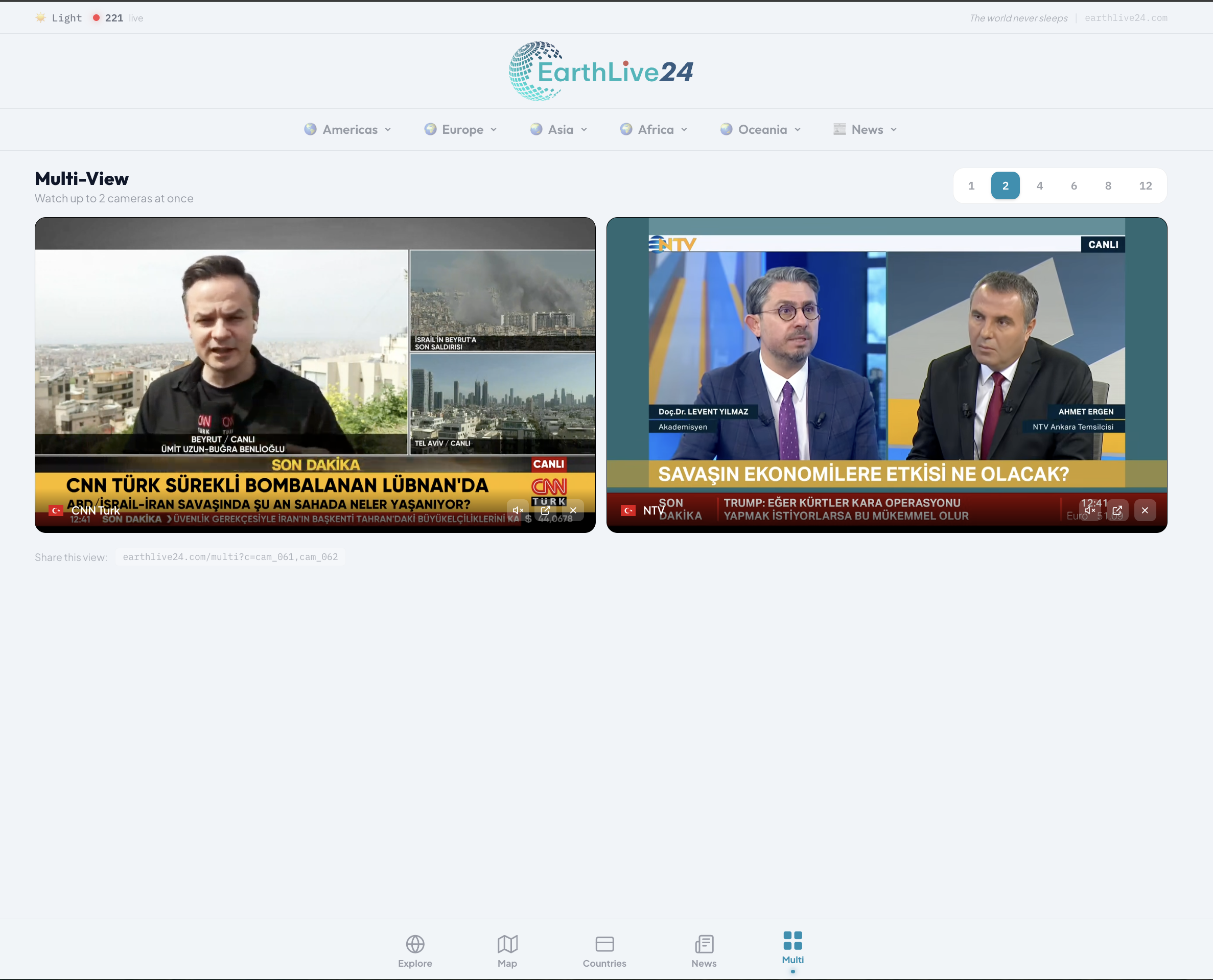
Perfect for comparing two commentaries of the same match, or watching two simultaneous games.
- Use the 2-screen layout for maximum visibility
- Unmute one channel at a time with the instant audio toggle
Quad Screen (4 channels)
Ideal for transfer deadline days or tournament group stages where multiple games happen at once.
- 4-screen layout gives you the best balance
- Keep your main match unmuted, glance at others
- Switch audio instantly between channels — no reload needed
Match Day + Social
Watch the game on 2 screens and keep news channels on the other 2 for post-match analysis and breaking reactions.
Tips for Sports Viewing
- Landscape mode on mobile — Rotate your phone for full-screen sports action with auto-hidden header and navigation
- Quick mute switching — Click the speaker icon to instantly switch audio between channels
- Bookmark game day setups — Save your favorite multi-view URL for recurring match days
- Share with friends — Send your multi-view link so everyone watches the same setup
The Free Sports Bar Experience
No cable subscription, no paid streaming service, no app installation. Just open earthlive24.com/multi, add your sports channels, and enjoy the ultimate multi-screen sports experience.
Whether you're following the Super Lig, Champions League, Premier League, or any other competition, Multi-View transforms your device into a personal sports command center.